Prerequisites
In order to get started with PineXQ development, there are a few things you’ll need to install first.
uv: Python package management and more
Section titled “uv: Python package management and more”We strongly recommend you install using uv, a fast and versatile Python package manager and more.
Add dependencies with uv add, run with uv run, and more, at lightning speed!
Even managing multiple Python versions is easy with uv.
Installation instructions, and full documentation, can be found on the official uv documentation website.
The official installer will let you install without pip or even Python, though pipx is still an option.
curl -LsSf https://astral.sh/uv/install.sh | shpowershell -ExecutionPolicy ByPass -c "irm https://astral.sh/uv/install.ps1 | iex"pipx install uvDocker: Deploying your stuff
Section titled “Docker: Deploying your stuff”For deployment, we use Docker for reliable, replicable builds and performance. Installation links are available on the Docker website.
Your PineXQ API key
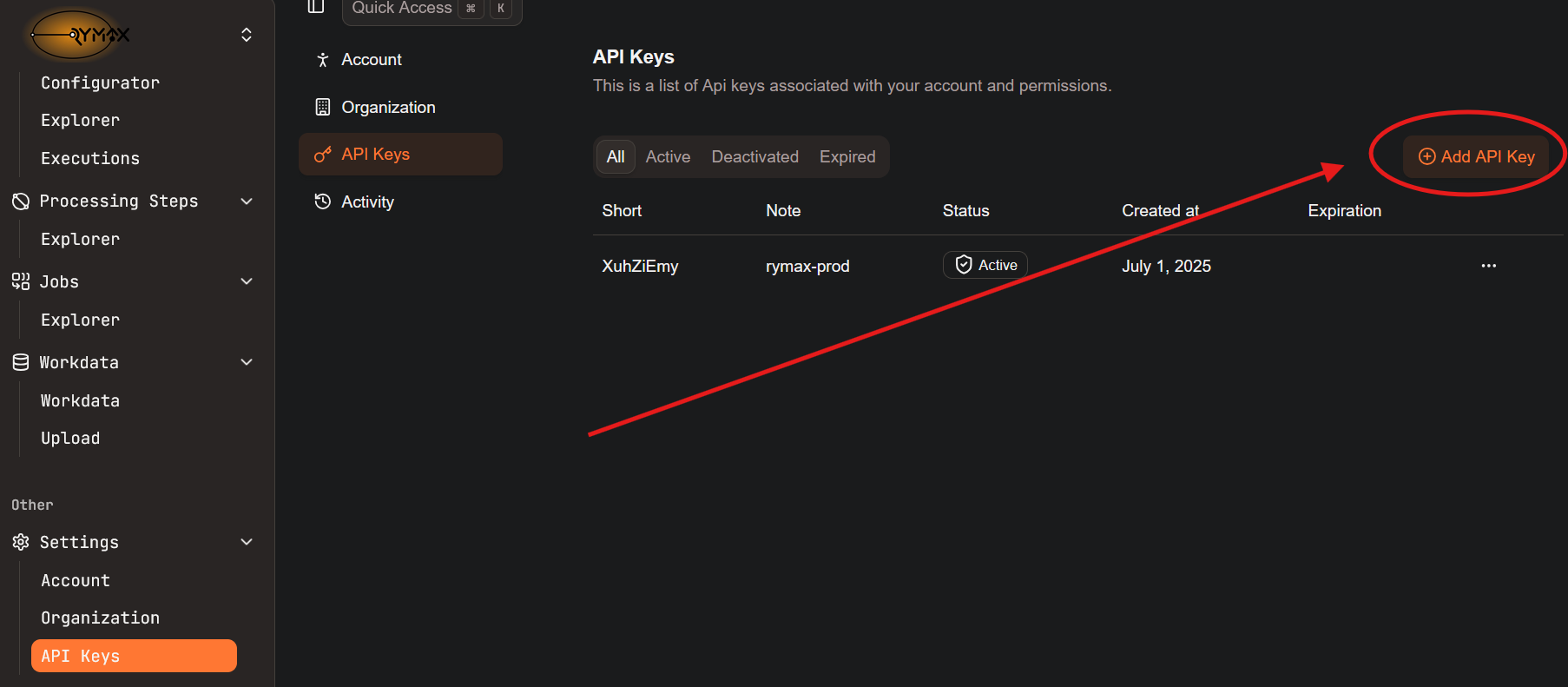
Section titled “Your PineXQ API key”Finally, to deploy your steps onto our job management system, you’ll need an API key. Head to our portal, go to Settings/API Keys, and “Add API Key”.
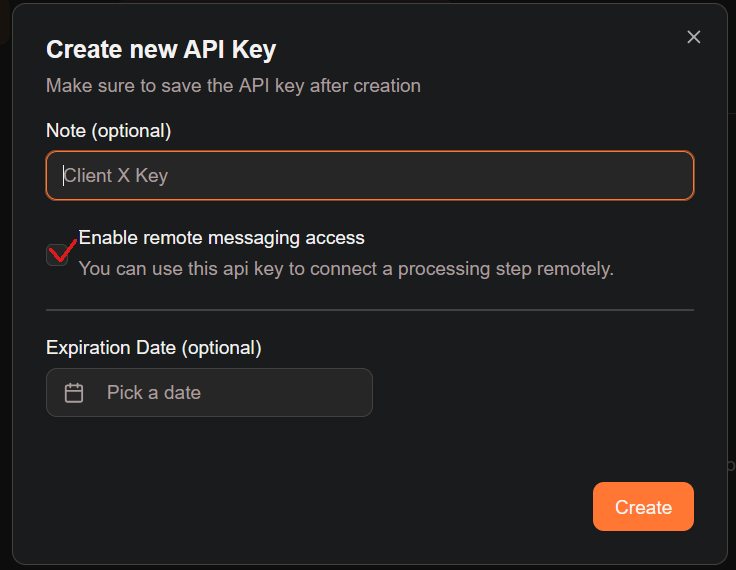
You will then be asked to configure your API key. In particular, the marked box will allow you to use your API key to connect a Worker running your processing steps on your machine to connect to the PineXQ job management service. Don’t worry too much about that for now; if you need this feature in the future, you can create another API key.
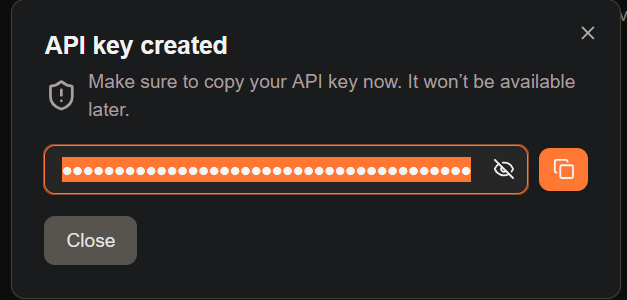
Finally, you will be presented with your API key. This is the only time the full key will be accessible. Make sure to save it!